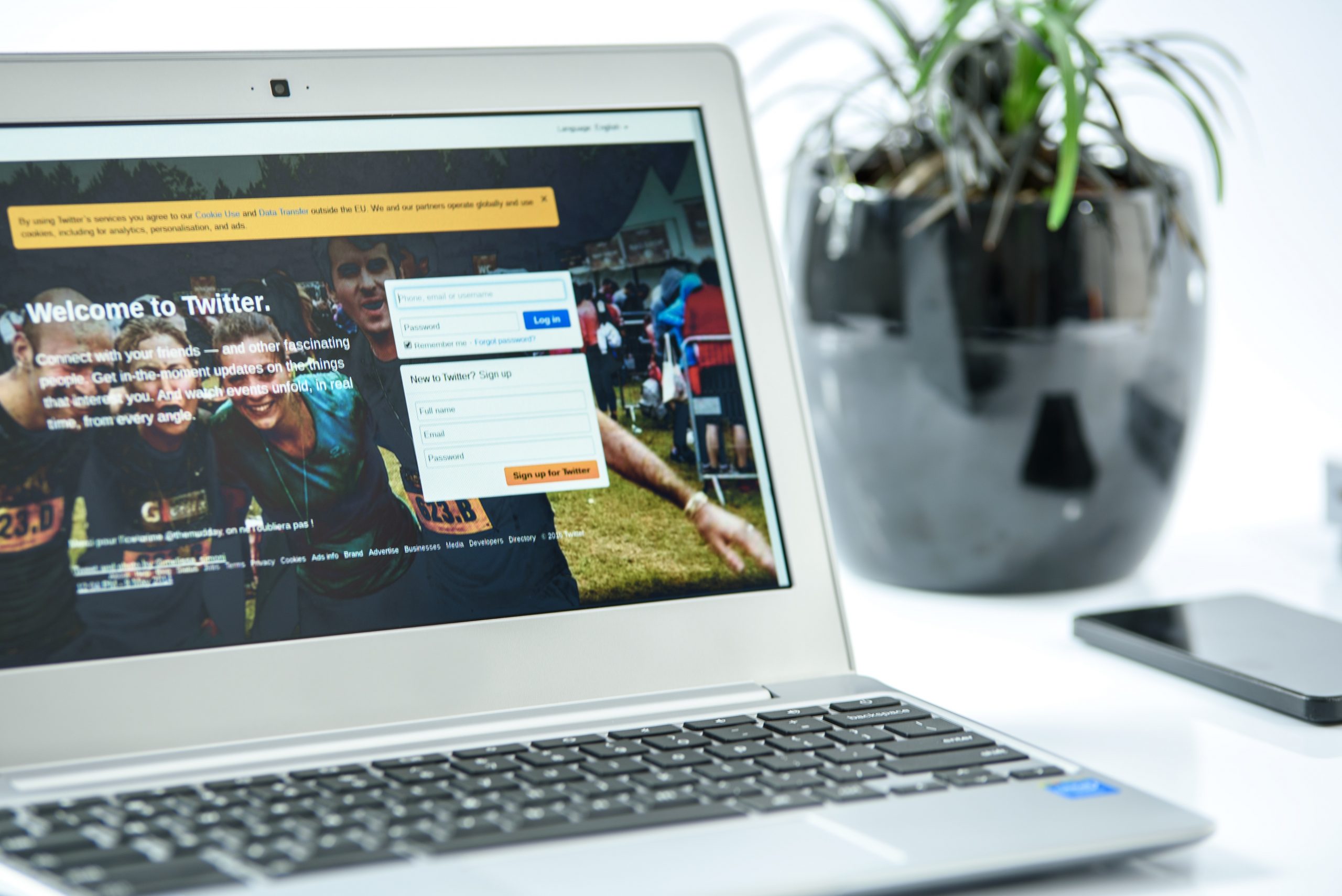
- If you steadily build the list of people you follow, your followers will eventually grow too – this is because it’s Twitter etiquette to follow those who follow you. You can start by following us! http://twitter.com/GOgraphicsOnlin
- With a 140-character limit, don’t waste space with long web addresses. Use a URL shortener like http://bit.ly/ to create shortened links that you can insert into your tweets.
- Using the @ symbol before someone’s Twitter username is how to initiate public “conversations” in Twitter. Example tweet: @GOgraphicsOnlin did a great job on my new website!
- To make it easy for people to find your tweets on a particular subject, add a # to keywords. For example: @GOgraphicsOnlin rule at #Toronto #webdesign
- Twitter is known for being casual and irreverent, so loosen your tie a little and try not to be overly sales-like. Have fun and tweet regularly!
FEATURED: THOMAS HAAS CHOCOLATES AND PATISSERIE
The Thomas Haas Chocolates and Patisserie website was built to promote the world renowned patissier and chocolatier, as well as to facilitate online sales of his delicious sweets.
Using the GO CMS Online Store, with FedEx’s dynamic rate calculator, and Beanstream’s (RBC) payment processor, Thomas Haas’ online store makes it simple to send your loved ones (who are we kidding, we know it’s for you!) some of the world’s finest chocolates.
Haas also makes frequent use of the GO CMS Newsletter module, sending out awesome promotions to his subscribers. I highly recommend you get in on it!
FIVE TIPS FOR SETTING UP YOUR EMAIL ACCOUNT
- In the username field, enter your full email address. E.g. If your email address is johndoe@example.com, be sure to enter ‘johndoe@example.com’, not just ‘johndoe’. We come across this all the time, so be sure to check it!
- Use your ISP’s outgoing mail server for your outgoing mail. Every Internet Service Provider has an outgoing mail server. Here in Vancouver, Shaw is a popular internet provider, so if you’re with them, you’re outgoing mail server will be shawmail.vc.shawcable.net. If you are with Telus, then it will be smtp.telus.net. The same applies to your mobile devices – if you have a mobile data plan, then they will provide you with an outgoing mail server. So, for example, if you have an account with Rogers, the outgoing mail server on your mobile phone will be smtp.rogerswirelessdata.com. All these servers can be found by doing a simple Google search for ‘*ISP NAME* outgoing mail server’.
- IMAP or POP? When you setup a new email account, you’ll be asked if you want to use IMAP or POP. The effective difference between the two is that POP downloads the emails from the server to your device, leaving no trace of them on the server. Conversely, IMAP copies the emails from the server to your device, but leaves the master copy of your emails on the server. If you’re going to setup your email account on more than one device, then we recommend using IMAP.
- If you’re travelling a lot, Webmail is an excellent choice for sending and receiving email. All you do is go to www.yourdomain.com/webmail, then login using your username (full email address) and password. From there you can access your emails and create new ones, using one of the webmail clients.
- Create an email signature. It adds a level of professionalism to all your correspondance, and ensures that your clients will always have your contact details readily at hand. Be sure to include your phone number, email address, and website address. Avoid using images wherever possible, as these can cause your recipients to see warnings when they receive your emails.

FIVE MAJOR TRENDS IN WEB DEVELOPMENT
- Responsive Design:
Site designs that react and adapt to the size of the user’s browser window. Responsive websites have just one design that adjusts and works on different screen widths (mobile devices, tablets & desktop screens). Content shifts to accommodate the screen size, allowing for comfortable browsing on all devices. - Parallax Scrolling:
The parallax website scrolling effect mimics a camera’s movement and creates the illusion of dimension using layers of elements moving at different times and speeds. Typically, these sites have all the content on one long page, and as you scroll down, the layers move at differing speeds. The parallax effect adds dynamism to what could otherwise be a simple website, and it is especially effective when telling a story to the user. - Big photography:
Using large, impactful photography as the background image of your website can create a strong impression on site visitors. It is a simple, eloquent way of capturing the user’s attention, while evoking an emotional response. Using high quality, high resolution photography makes your site memorable, and also conveys professionalism. - HTML 5 and jQuery:
The use of Flash animation within websites will soon be a thing of the past. Historically, Flash had a detrimental effect on a site’s search engine rankings because the text couldn’t be read by web crawlers. Although Adobe eventually overcame this problem, Apple’s decision to not support Flash on their mobile devices meant that if you used Flash, a large, high spending segment of users couldn’t even see your content. Enter HTML5 and jQuery: together they can produce web effects that were once only possible with Flash. These new technologies are supported on pretty much all devices, and are being developed at a rapid pace. - Social Media Sharing and Integration:
There will be continued use of social media ‘Share’ and ‘Like’ buttons within websites, as well as deeper integration with Facebook through their ‘Facebook Login’ API. For almost all websites, interactive social buttons, and/or feed integration, is an absolute must have.